
Quick Start
Install Podifai and add product options in minutes.
Last updated: 2026-09-13
Quick Start shows the shortest path to launch Podifai: install the app, connect your Shopify store, add options to a product, and enable the app embed.
Step 1: Install from Shopify App Store
Go to the Podifai listing on the Shopify App Store and click Install. Approve the permissions when prompted. Podifai's Free forever plan supports up to 3 custom products.
What this shows
- Open Podifai from the Shopify App Store.
- Click Install and approve the requested permissions.
- Continue into the Podifai onboarding flow.
Step 2: Connect Your Store
After installation, open Podifai and enter your Shopify store handle. Shopify then asks you to approve access so Podifai can read your product catalog and attach customization data to orders. See Connect Your Store for details on permissions.
Find Your Store Handle
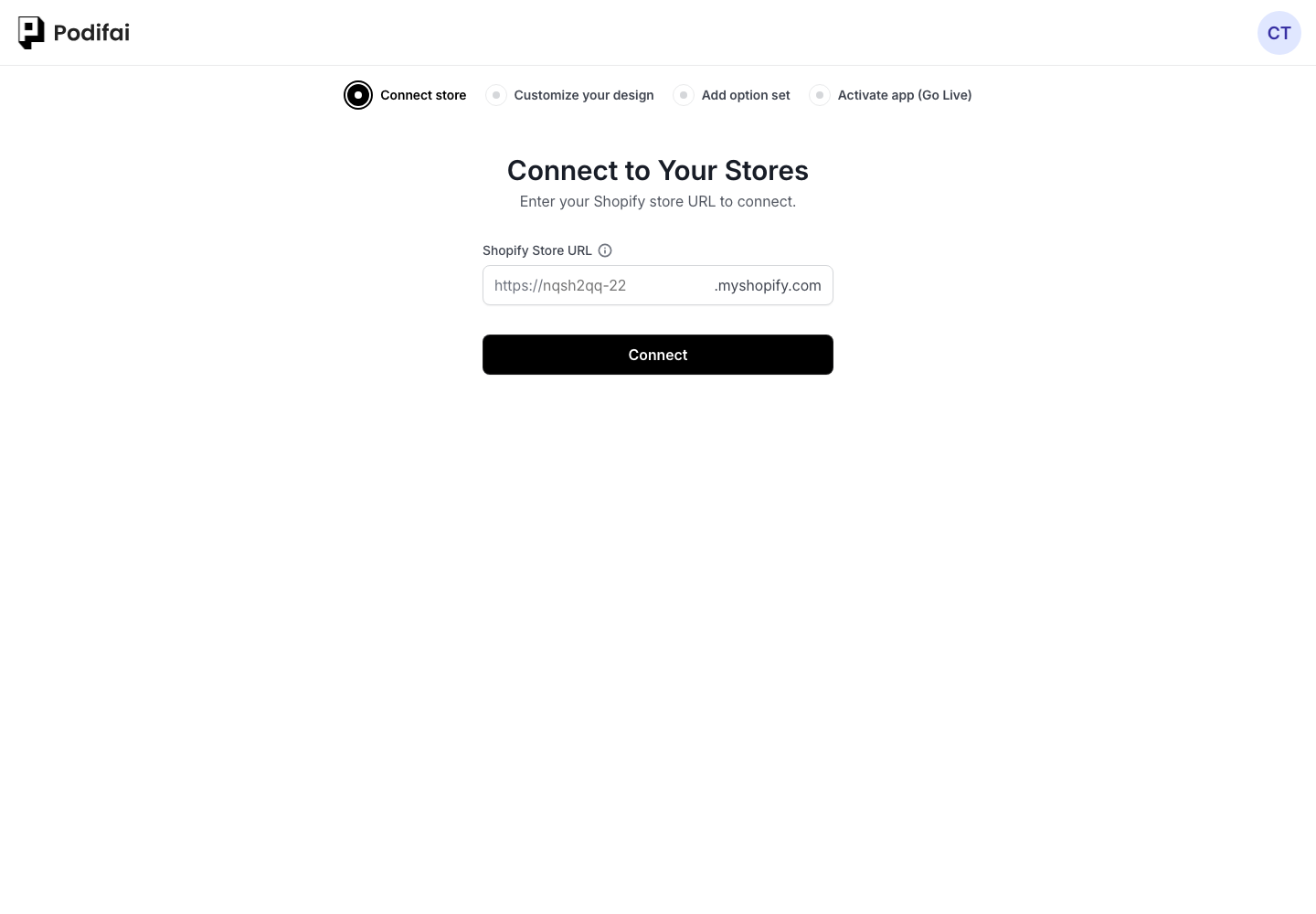
What this shows
- Find the store handle from your Shopify admin URL.
- Enter the handle in Podifai.
- Approve Shopify access when prompted.
Step 3: Add Options to a Product
In the Podifai dashboard, go to the Products page — your Shopify products are listed automatically. Find the product you want and click Add Options. This opens the option editor where you can drag option types (image swatches, color swatches, dropdowns, text inputs, image uploads, and more) into the canvas. Configure each option's label, values, and pricing, then click Save.
What this shows
- Open the Products page in Podifai.
- Choose a product and click Add Options.
- Drag option types into the editor and save.
Step 4: Activate the App Embed
For options to appear on your storefront, enable the Podifai app embed in your Shopify theme. The onboarding checklist in the dashboard has an Activate app step — click the button to go directly to the Shopify theme editor and toggle the Podifai embed on. This is the default setup we recommend for most merchants. See Enable App Embed for detailed instructions.
What this shows
- Open the Activate app step from onboarding.
- Turn on the Podifai app embed in Shopify's theme editor.
- Save the theme and check the product page.
Once the embed is active, visit your product page to see the options live. If you prefer custom placement inside a product template, you can turn off App Embed and use the Podifai App Block instead.
FAQ
How long does Podifai setup take?
Most stores can install Podifai, connect Shopify, add product options, and enable the app embed in a few minutes.
Do I need code to show Podifai options on my product page?
No. We guide most merchants to enable the Podifai app embed in Shopify's theme editor. If you want exact placement control, you can turn off App Embed and add the Podifai App Block to the product template instead.
Is Podifai free to use?
Podifai has a Free forever plan for up to 3 custom products. Starter supports 30 products for $7.9/month and Growth supports unlimited products for $15.9/month. Existing customers keep their current full feature access.