Conditional Logic for Shopify Product Customizer Options
Show or hide custom options based on what shoppers select, so each product page stays focused on the fields that apply. No code required.
 Free install on Shopify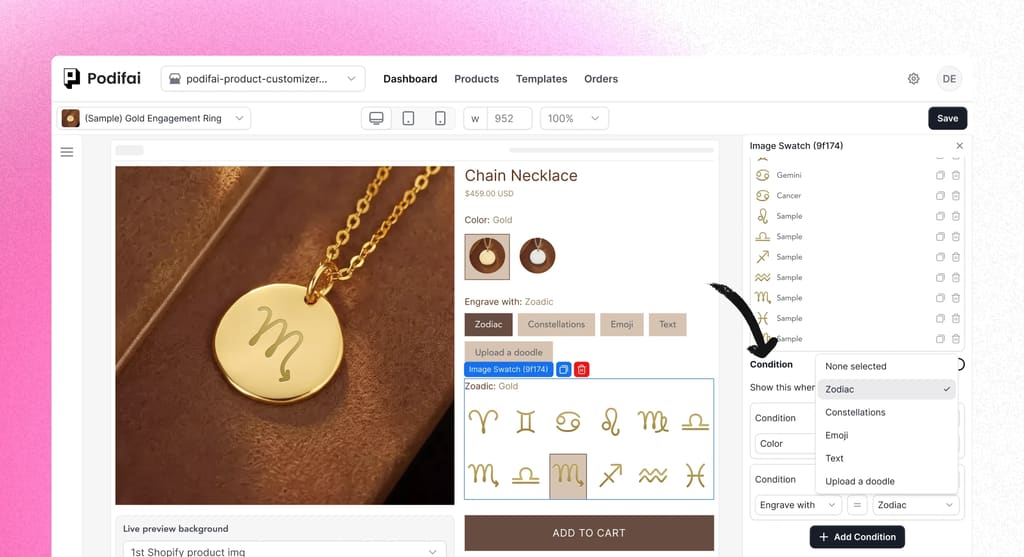
Direct answer
Shopify conditional logic for product options
Shopify conditional logic shows or hides product options based on what a shopper already selected. Use it for engraving fields, image uploads, premium add-ons, size-dependent choices, and gift options so custom product pages stay short and relevant.
Guide every custom product shopper down the right path.
Hide and show options dynamically based on customer choices, so every product page stays clean and only displays what's relevant to the current selection.
Declutter your PDP
Hide advanced or optional fields until they're needed, so customers only see the next logical step instead of a wall of inputs.
Collect relevant order details
Ask for engraving, uploads, add-ons, or other details only when the shopper has selected the choice that needs them.
No-code rule builder
Create powerful rules in a visual editor. Choose the trigger option, set the condition, and decide which fields to show or hide. No Liquid edits or scripts required.
How it works
Set up conditional logic in minutes, not hours.
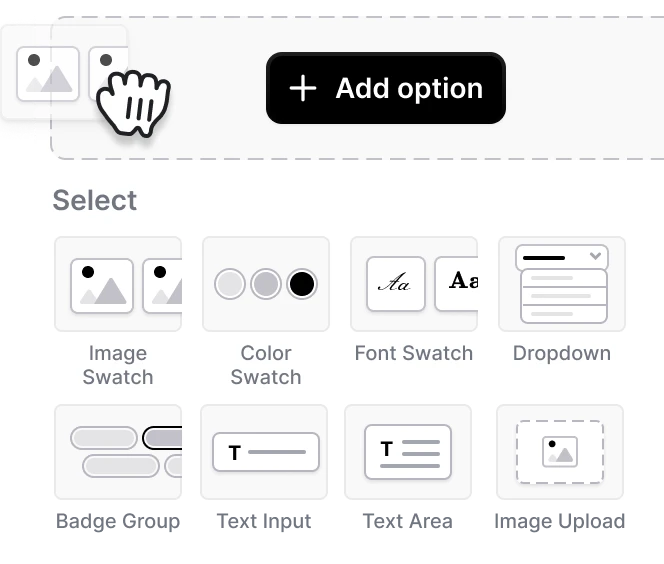
Add a custom option set
Select any product option (dropdown, swatch, or text) in Podifai.
Create your rule
Highlight this option set, turn on conditions, then choose when to show it based on one or more matching options.
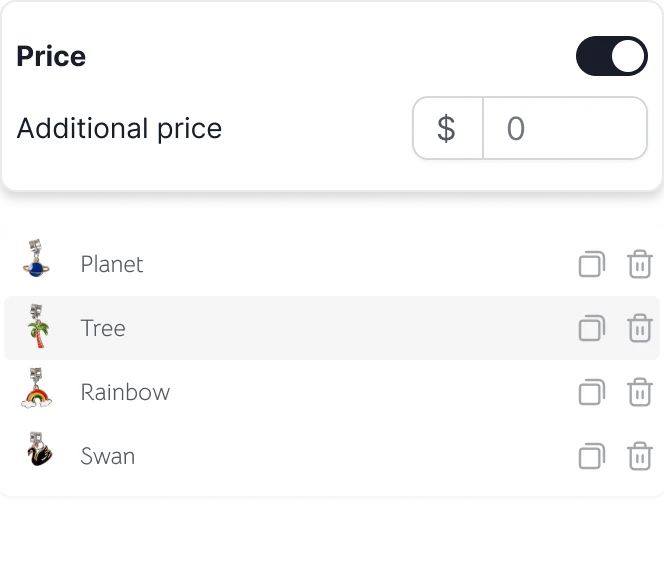
Save and go live
Publish the rules to your storefront so dependent fields appear only when their conditions match. No extra variants or code needed.


Start selling custom product now
Start free with 3 custom products. Paid plans start at $7.9/month, with no transaction fees.