Dynamic Pricing for Shopify Product Customizer Options
Add extra charges for premium materials, personalized engravings, uploads, gift wrapping, and add-ons while keeping totals accurate from product page to checkout.
 Free install on Shopify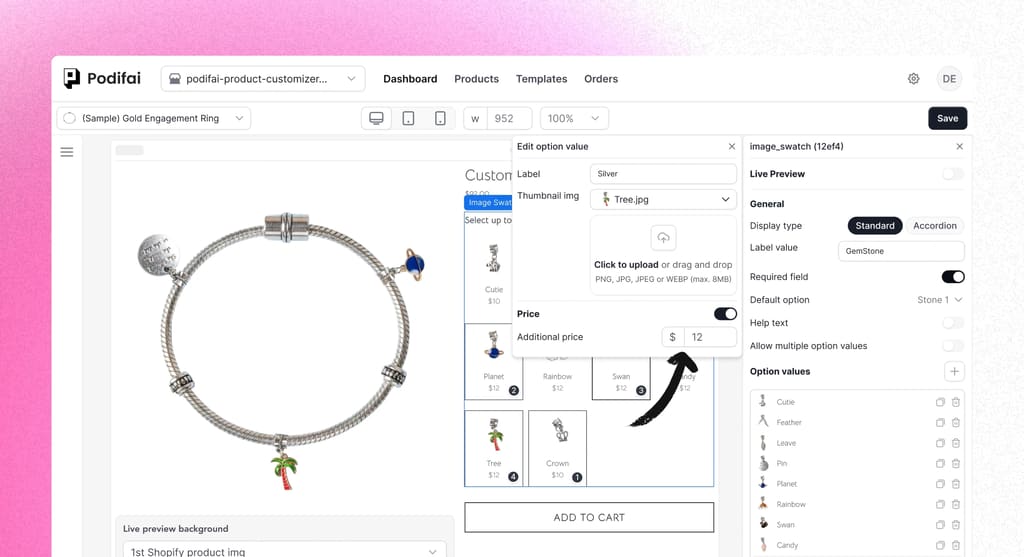
Direct answer
What is Shopify dynamic pricing for product options?
Shopify dynamic pricing means changing the product total based on the options a shopper selects before checkout. For custom products, that can include engraving fees, image upload charges, premium materials, gift wrap, rush production, or extra components. Podifai adds option-driven price updates to a Shopify product customizer without forcing merchants to create a separate variant for every possible combination.
Use dynamic pricing when the base product stays the same but some personalization choices should cost more. Use variants when the merchant needs Shopify-native inventory tracking for each SKU, size, color, or material.
Common dynamic pricing use cases
- Charge $5 for engraving or monogram text.
- Add $10 for a customer photo upload or custom artwork.
- Increase price for premium metals, thread, gift boxes, or add-ons.
- Show a clear price change before the shopper reaches checkout.
Dynamic option pricing, from product page to checkout.
Real-time option pricing syncs across product detail page, cart, and checkout, so customers always see the same total wherever they are.
Price each option clearly
Add a fixed surcharge or a linked Shopify item price to engravings, premium materials, gift boxes, rush fees, and other paid choices.
Show the running total
Show each paid selection and the configured product total before the shopper reaches checkout.
Carry pricing into checkout
Keep selected price adjustments attached from the product page through cart and checkout, with the final combination tested before launch.
How it works
Set up additional prices in a few clicks, and Podifai keeps your product total accurate automatically on the product page, cart, and checkout.
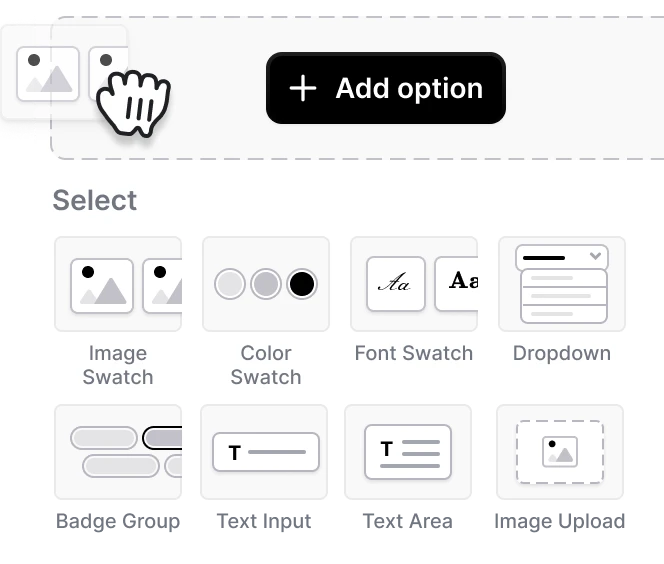
Add a custom option set
Select any product option (dropdown, swatch, or text) in Podifai.
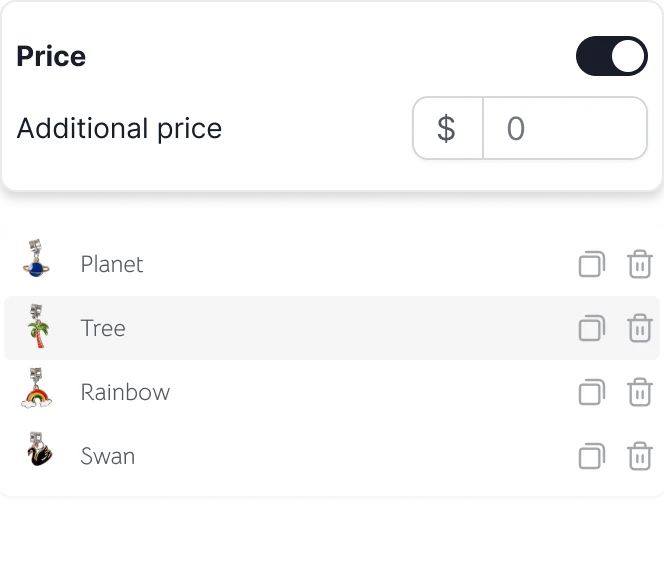
Set the extra price
Click on an option value and assign a fixed additional price in one field.
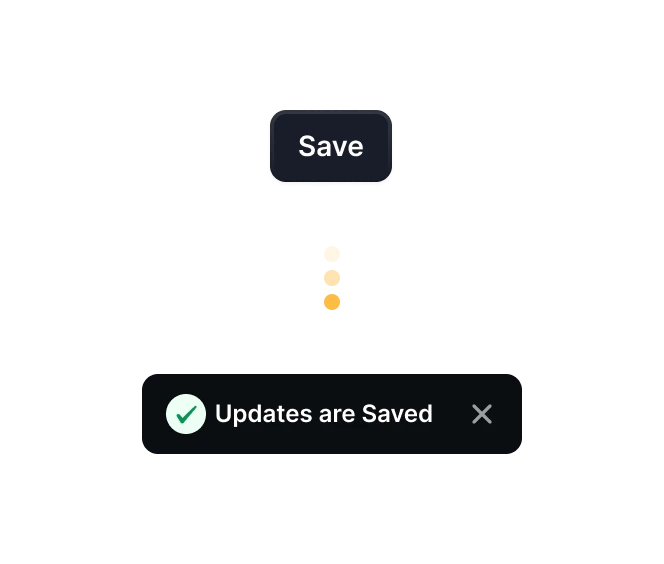
Save and go live
Podifai updates the product total automatically on your product page, cart, and checkout. No extra variants or code needed.

Start selling custom product now
Start free with 3 custom products. Paid plans start at $7.9/month, with no transaction fees.