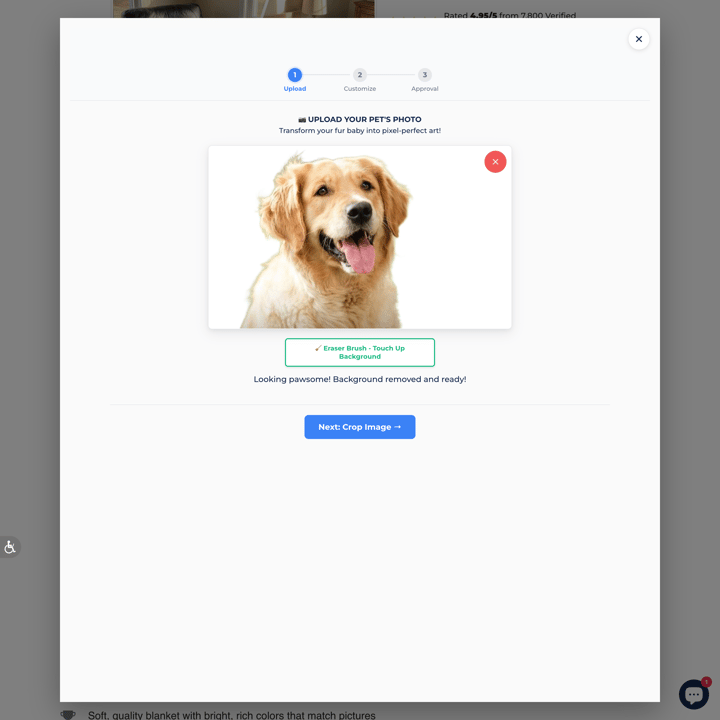
Alpha Paw
3.5M monthly visits
Pet
AnimalsCustom-PrintCustom-Size+4
Browse Shopify stores offering custom engraving on jewelry, gifts, wood products, drinkware, and other personalized items.
66 stores found
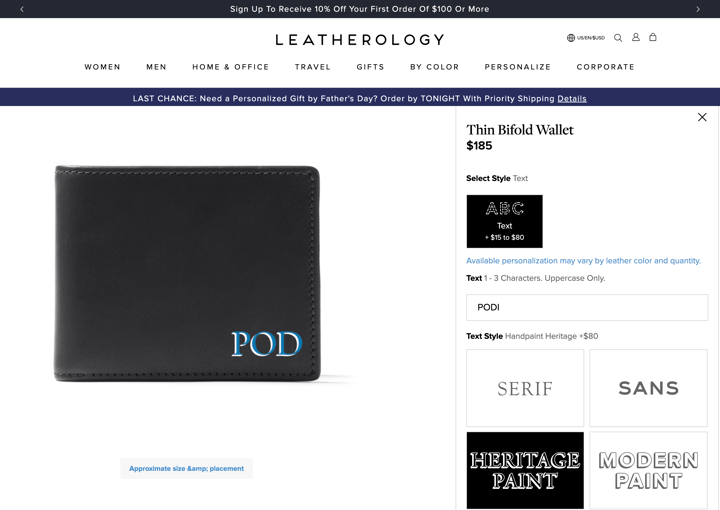
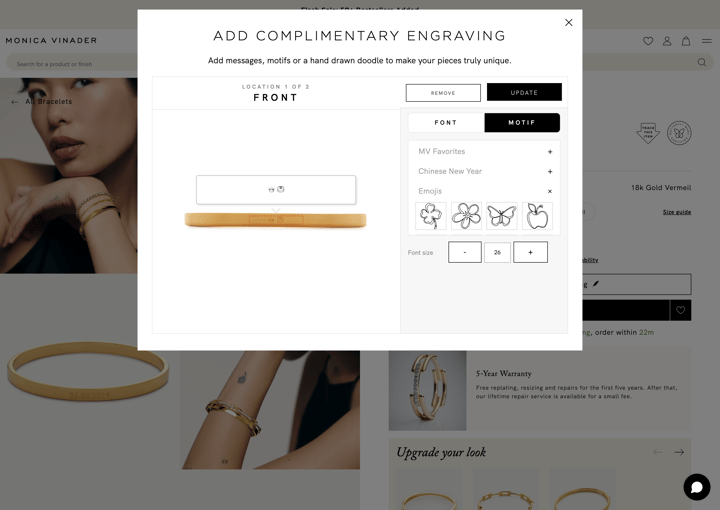
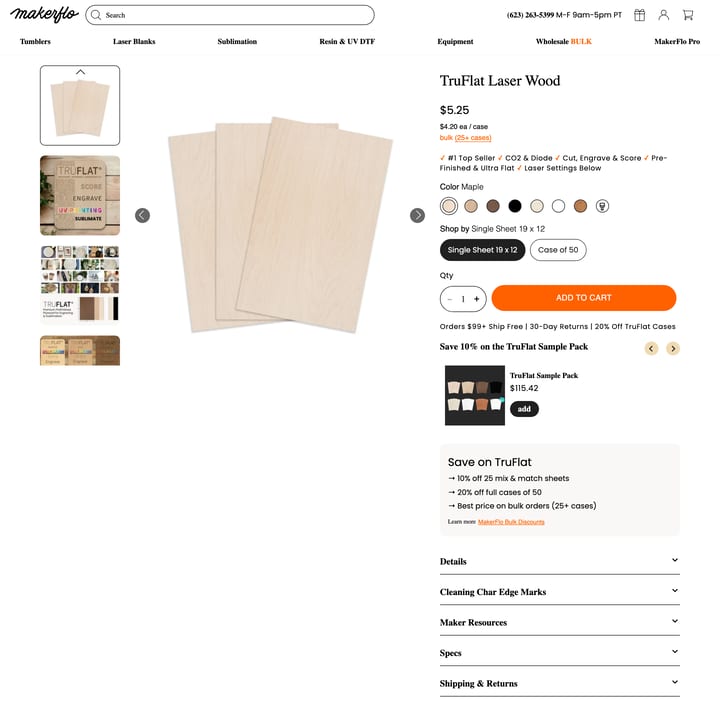
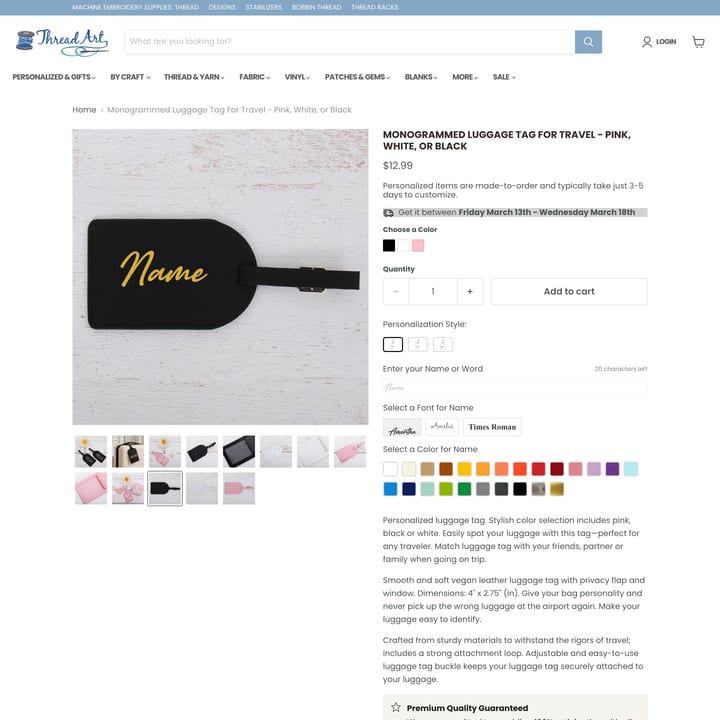
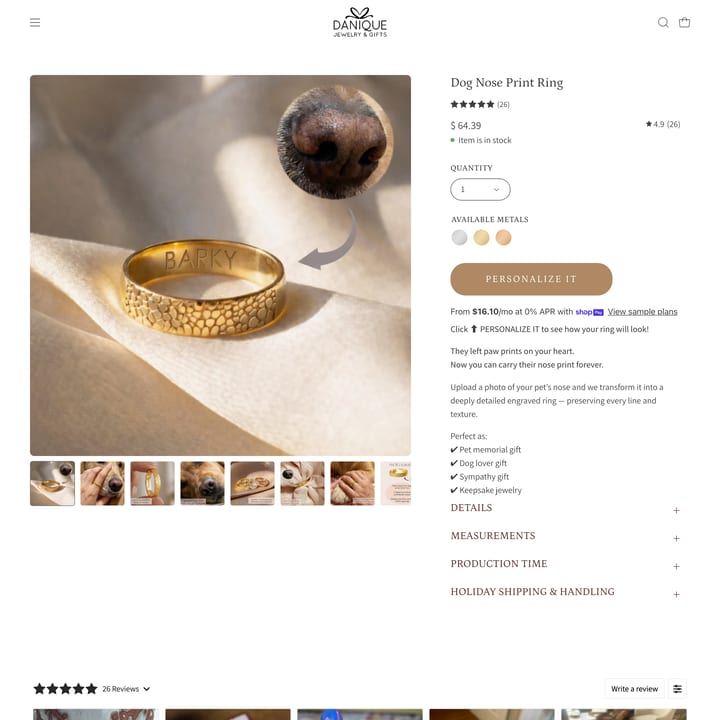
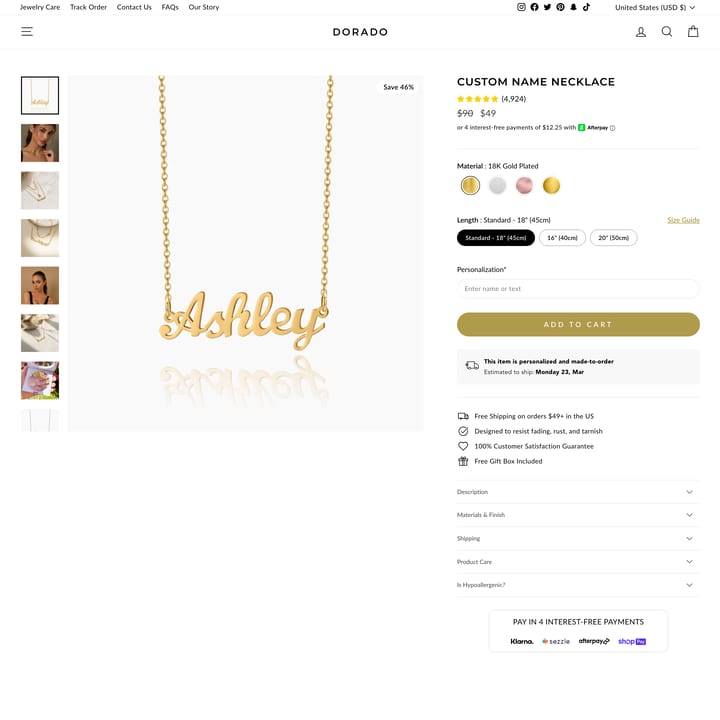
A Shopify engraving flow usually collects text, font, placement, and sometimes symbols or uploads before the product is added to cart. This directory shows how stores present those choices; the Podifai engraving page explains how merchants can configure supported inputs, previews, pricing, and order data.
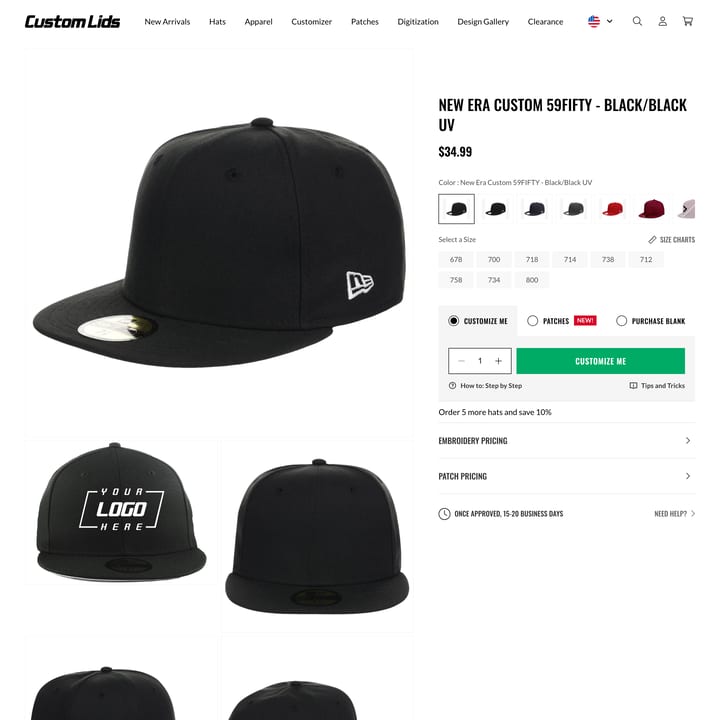
Study how each store sets character limits, previews text, explains placement, prices the service, and communicates production constraints. The linked examples are editorial references, not endorsements, and their live implementations may change over time.
Showing 24 of 66 stores
3.5M monthly visits
763K monthly visits
524K monthly visits
416K monthly visits
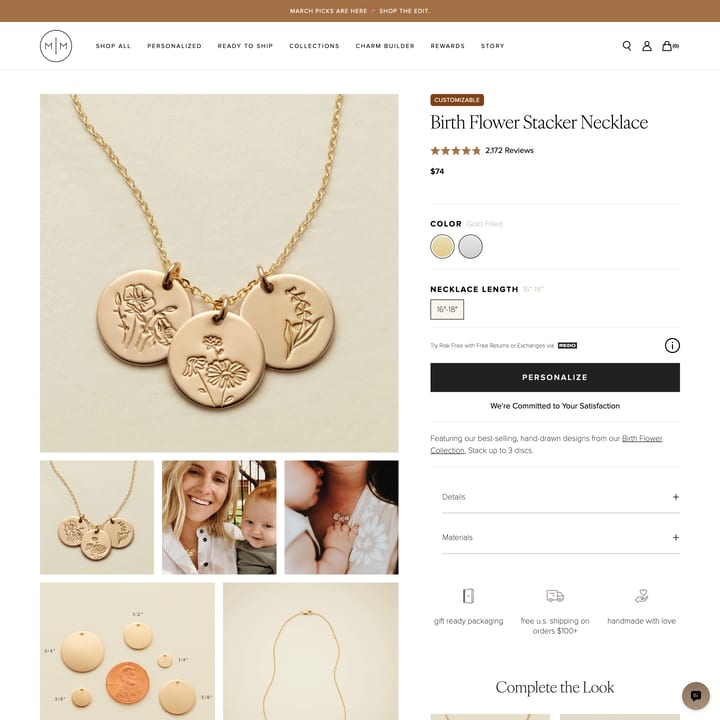
406K monthly visits
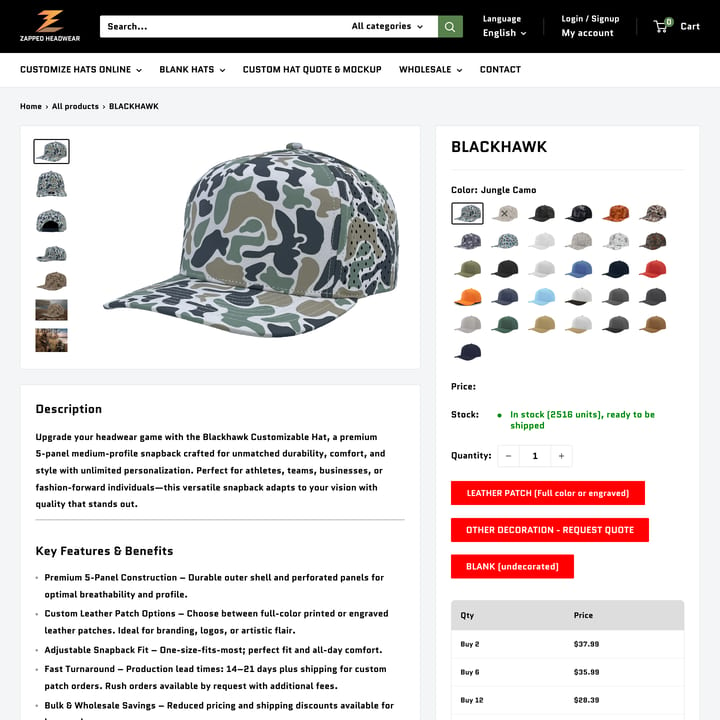
166K monthly visits
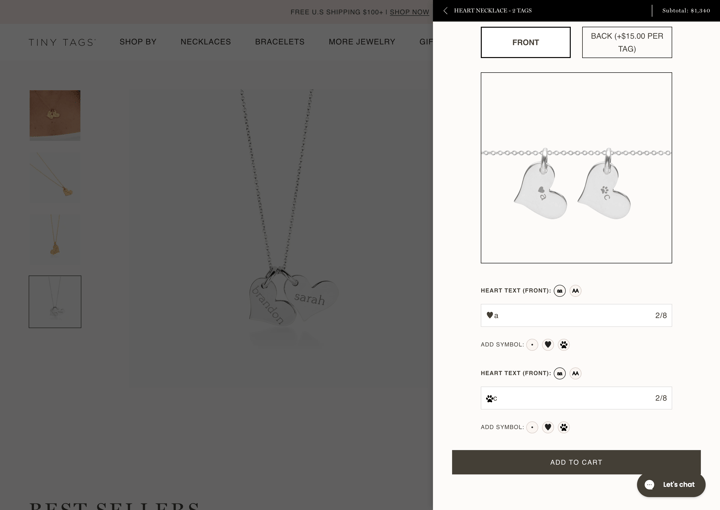
138K monthly visits
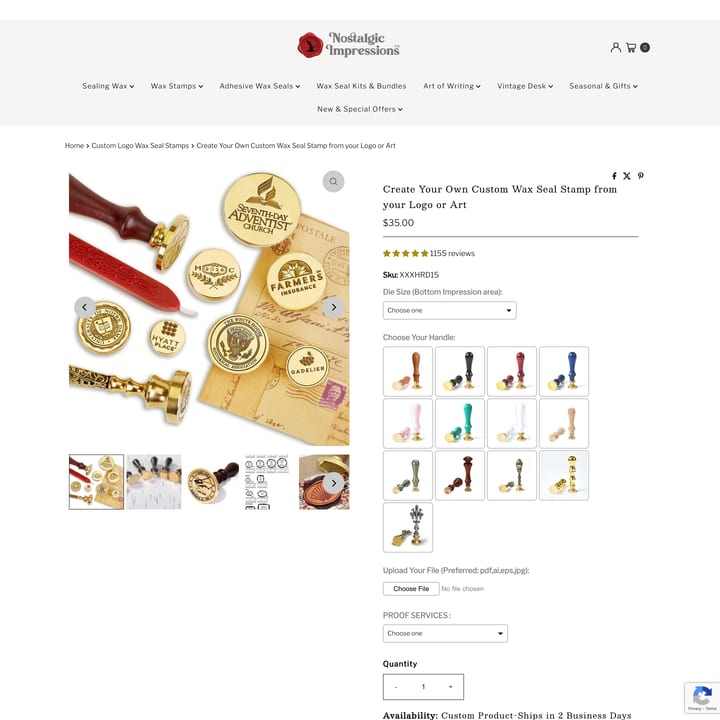
107K monthly visits
96K monthly visits
87K monthly visits
86K monthly visits
59K monthly visits
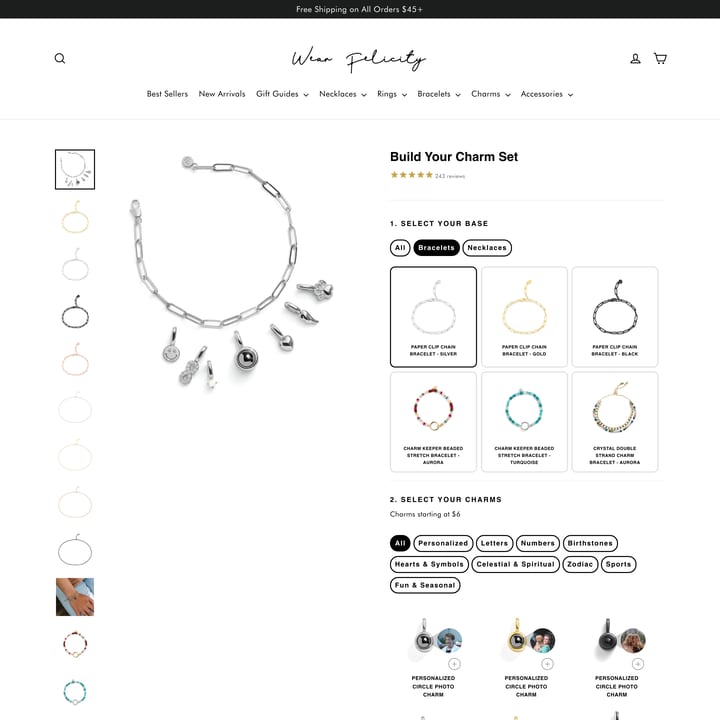
56K monthly visits
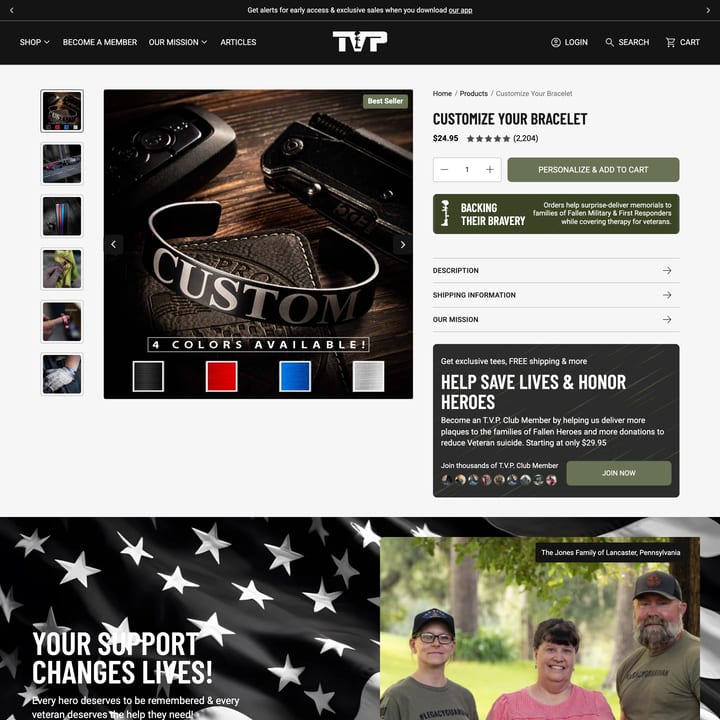
48K monthly visits
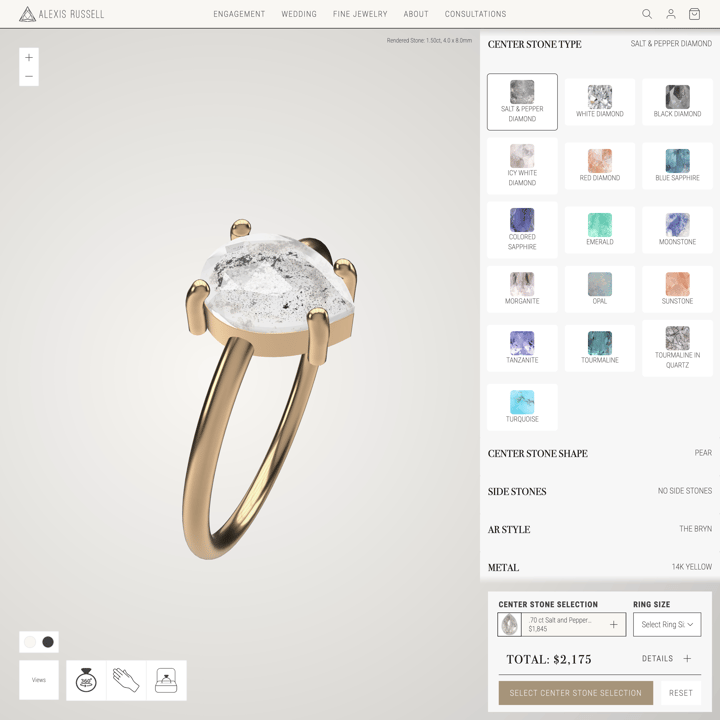
44K monthly visits
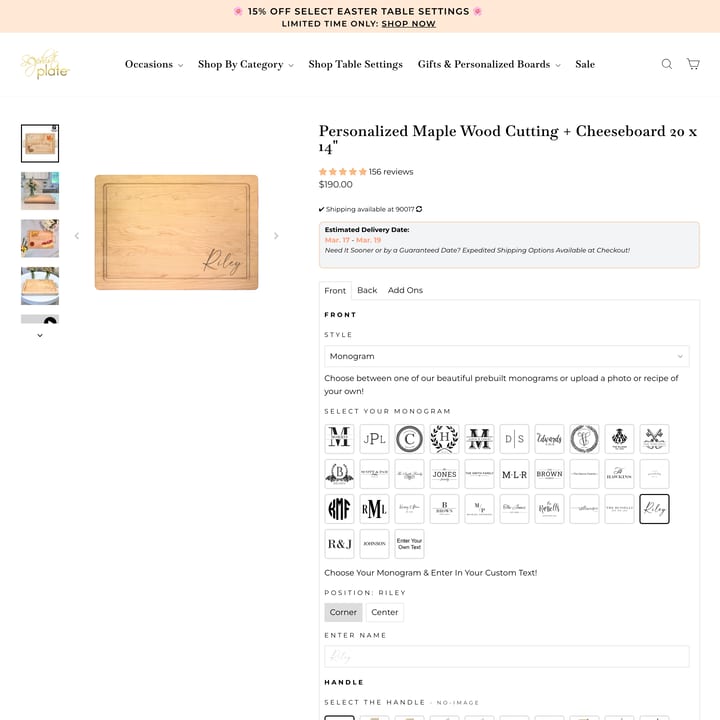
44K monthly visits
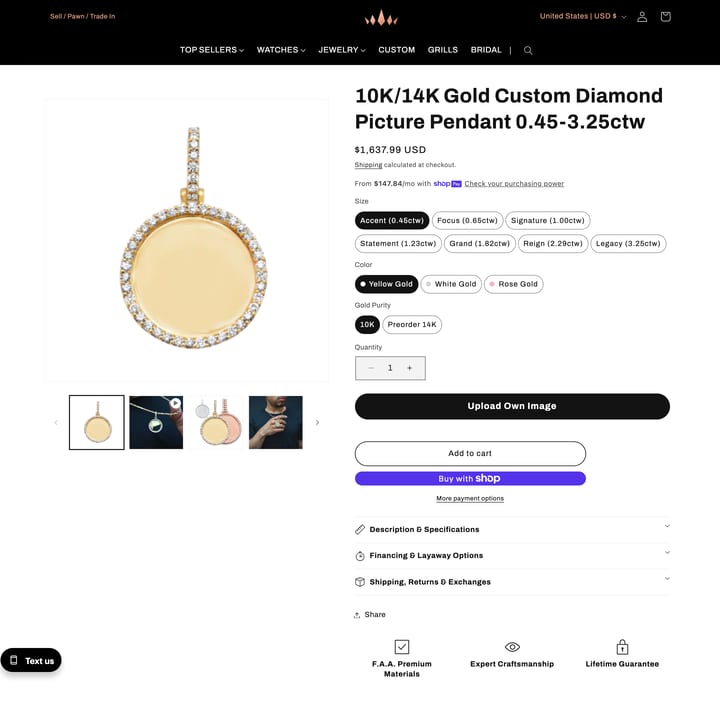
37K monthly visits
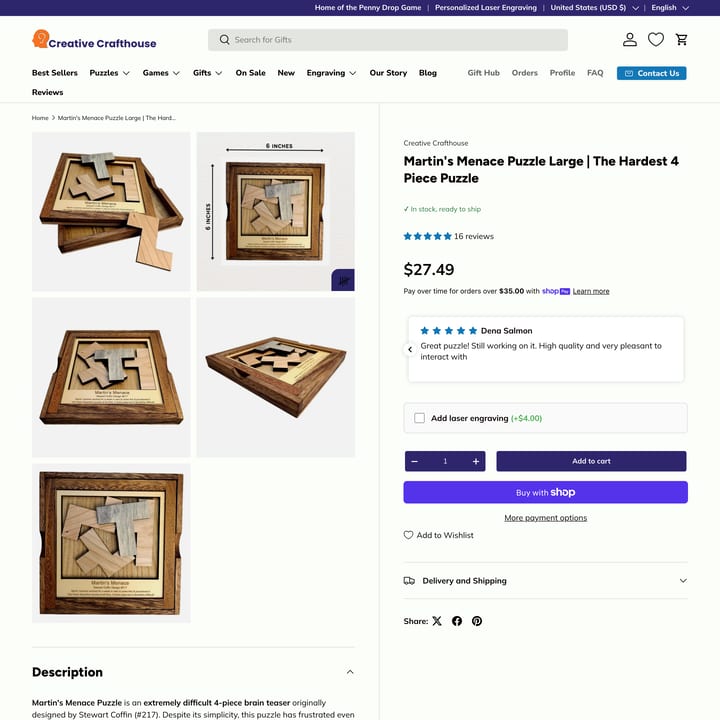
36K monthly visits
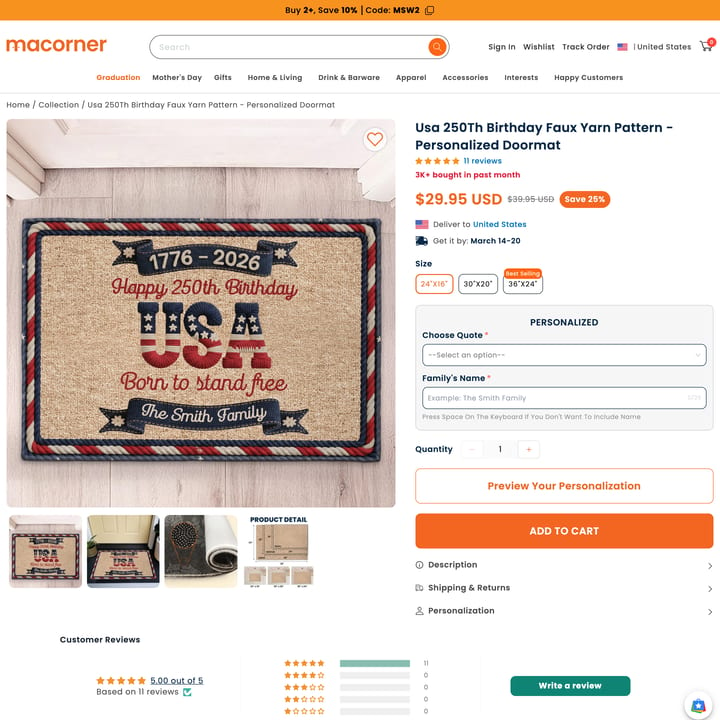
30K monthly visits
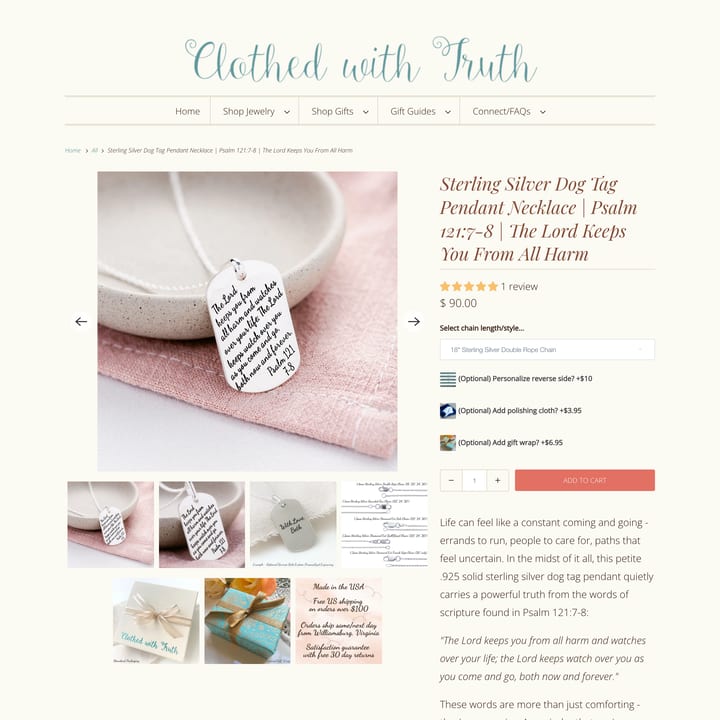
25K monthly visits
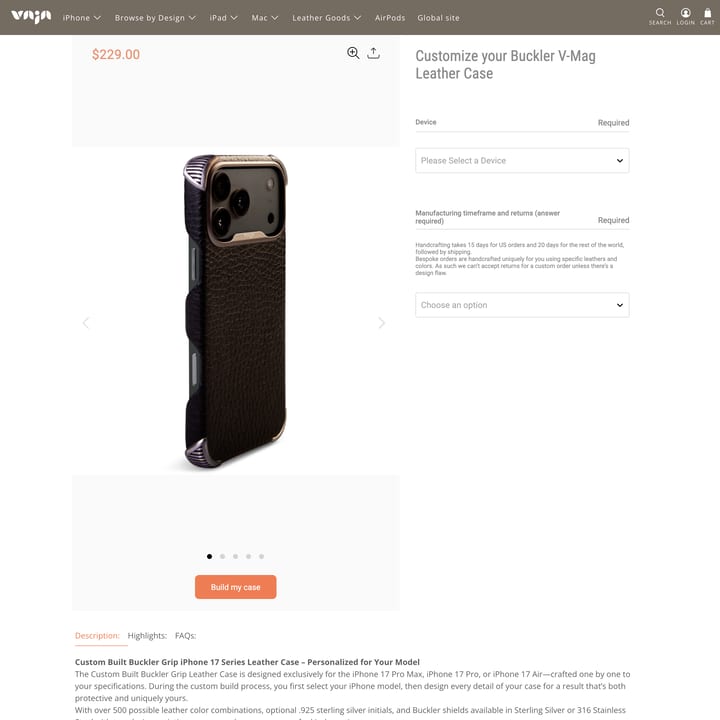
22K monthly visits
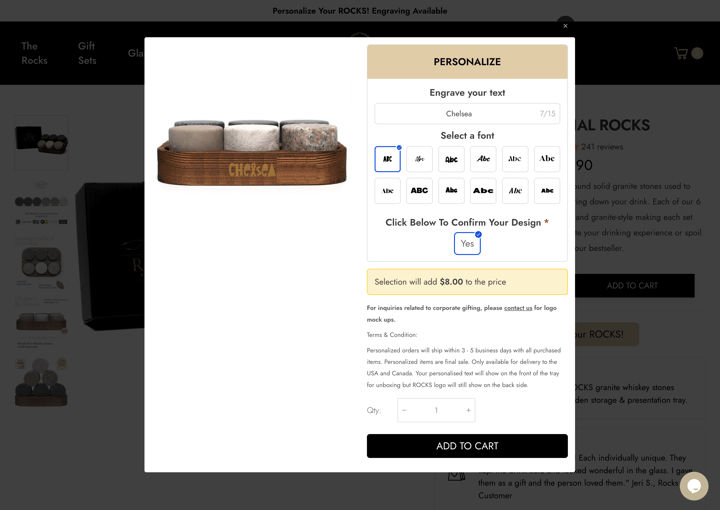
18K monthly visits
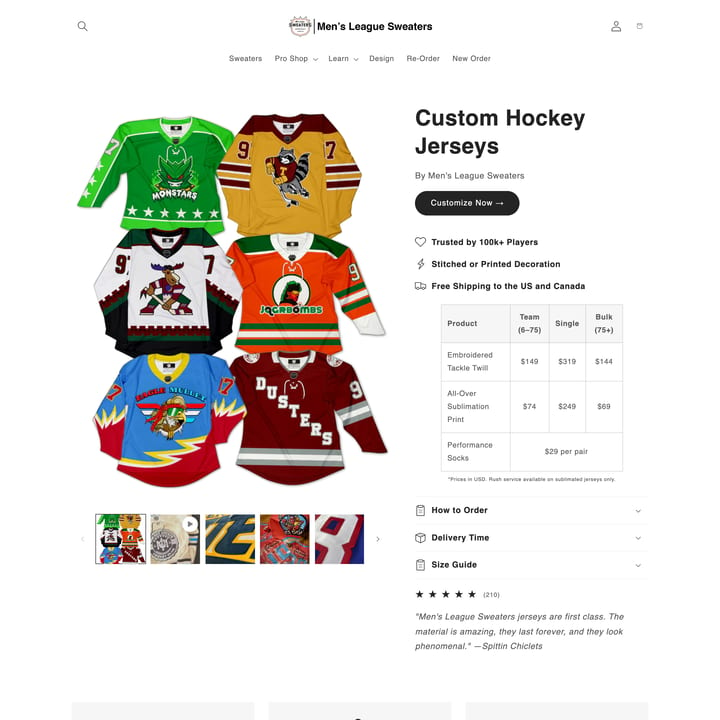
17K monthly visits
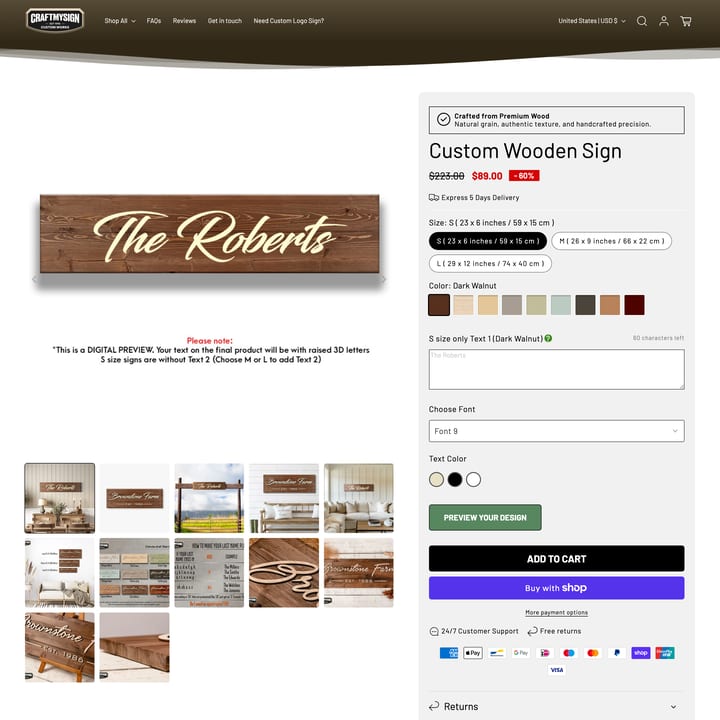
15K monthly visits
66
Stores
36%
Custom Built
Most used apps: Custom Built (23), Zepto (15), Cloudlift (LPO) (4)
Top capabilities: Engraving, Personalized, Material-Choice
Use the directory for research, then review the relevant product and documentation pages before choosing an implementation.
Character limits depend on the available engraving area, font, material, and production method. Test the longest supported input on the actual product template and show the limit before the shopper enters text.
Choose a small, tested set of fonts that your production process can reproduce at the available size. Provide a clear preview for each choice and avoid styles that become illegible on the finished product.
That depends on material, machine time, setup, error risk, and fulfillment cost. Calculate the incremental cost and decide whether to use a fixed surcharge, a linked add-on, or include engraving in the base price; make the price clear before checkout.
Install Podifai, add custom options to any product, enable live preview
— and start selling. No code needed.