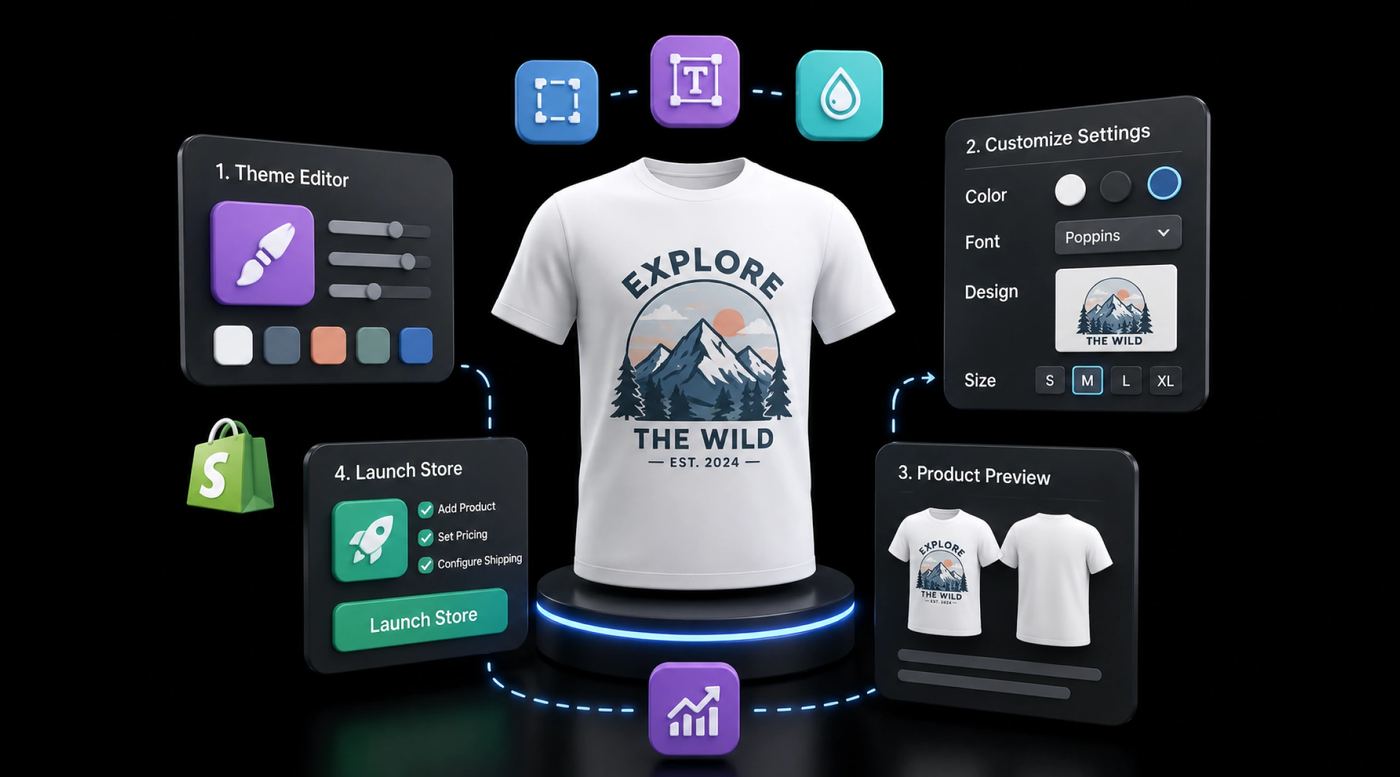
Start an Embroidery Store on Shopify (Step-by-Step Setup Guide)
Step-by-step guide to launching a Shopify embroidery store with product customization, live preview, and fulfillment setup. No coding required.
TL;DR: Set up embroidery customization with live preview using apps like Podifai or Customily. Choose between POD (Printful $8-12/item) or local embroidery (60-70% margins). Focus on text, fonts, thread colors, and placement options — avoid overwhelming customers with too many choices.
A customer lands on your product page, picks a font, types her daughter's name, chooses thread color — and watches the monogram appear on a baby blanket in real time. She buys immediately, no questions asked.
That's the experience embroidery shoppers expect in 2026. And yet, most Shopify merchants selling embroidered products are still running their stores the old way: a text box on the product page, a "we'll email you a proof" promise, and a prayer that the customer doesn't abandon cart while waiting.
The embroidery personalization market is growing fast. According to Grand View Research, the personalized gifts market is projected to reach $38.66 billion by 2030. Embroidered products — hats, jackets, towels, baby items — are a significant slice of that pie.
This guide walks you through setting up a Shopify store that actually handles embroidery customization well. Not just "add a text field" — but a store where customers see what they're getting, your fulfillment runs smoothly, and your return rate stays low.
Why embroidery customization is different from regular product options?
Selling a t-shirt in three colors is straightforward. Selling an embroidered polo with custom initials, thread color choices, and placement options is a different challenge entirely.
Here's what makes embroidery tricky on Shopify:
- Variant limits. Shopify caps you at 100 variants per product. If you offer 3 fonts × 12 thread colors × 4 placements, you've already blown past that with a single product.
- Visual expectations. Customers need to see what their embroidery looks like before they buy. Text descriptions don't cut it. A live preview is the difference between "add to cart" and "I'll think about it."
- Fulfillment complexity. Custom orders require clear instructions downstream — thread color codes, placement coordinates, font files. If that data gets lost between your storefront and your embroidery partner, you'll eat the cost.
- File handling. Some customers want to upload their own logos. That means you need upload fields, file validation, and a way to pass those files to production.
Standard Shopify product options weren't built for this. You need a product customizer that handles the complexity without making your product page look like a tax form.
What is choosing your embroidery business model?
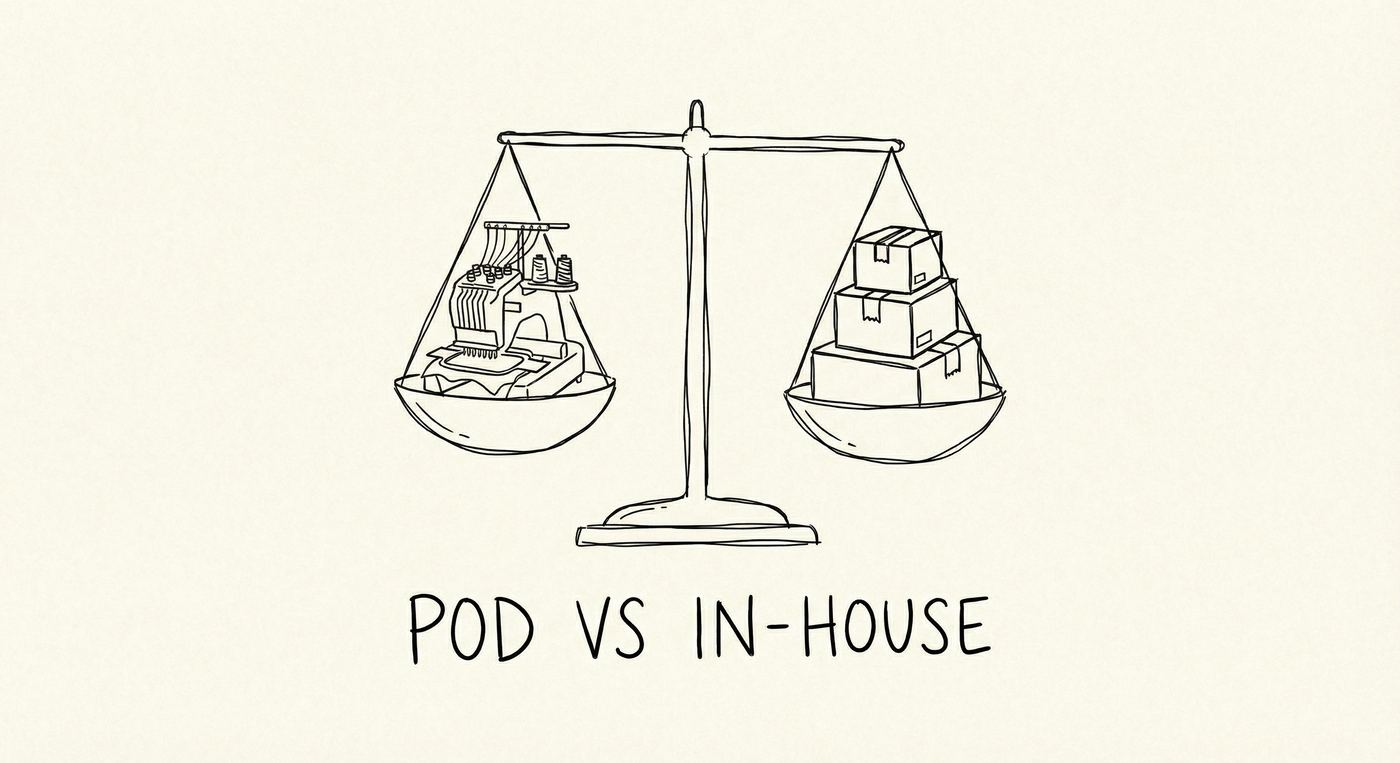
Before you configure anything, decide how you'll actually fulfill orders. This choice shapes everything — your product pages, your pricing, and which apps you need.
Print-on-demand embroidery
Services like Printful and Gooten handle production and shipping. You upload designs, they embroider and ship directly to your customer. No inventory, no embroidery machine, no warehouse.
Here's a quick look at the main POD embroidery providers and what they actually offer:
- Printful — embroidery starts around $8–12 per item. Solid Shopify integration, decent thread color range (up to 16 colors), and they handle digitizing for a one-time fee. Best for merchants who want reliable quality without thinking too hard about logistics.
- Printify — connects you to multiple print providers, so embroidery pricing and quality vary. Expect $6–15 per unit depending on the provider. More options, but you'll need to test samples from each supplier before committing.
- Gooten — similar model to Printify with a network of manufacturers. Pricing is competitive ($7–13 range), and they're strong on hats and polos. Their API is solid if you want to automate order routing.
- Apliiq — focuses on premium custom apparel with embroidery, applique, and woven labels. Higher per-unit cost ($15–25+) but the quality is noticeably better. Worth considering if you're positioning as a premium brand.
POD embroidery provider comparison:
| Provider | Price Range | Shopify Integration | Best For |
|---|---|---|---|
| Printful | $8–12 | ⭐⭐⭐⭐⭐ | Reliable quality + full automation |
| Printify | $6–15 | ⭐⭐⭐⭐ | Lowest price options |
| Gooten | $7–13 | ⭐⭐⭐⭐ | Hats and polo shirts |
| Apliiq | $15–25+ | ⭐⭐⭐ | Premium brand positioning |
The trade-off? Lower margins (expect 30–50% markup) and limited control over quality. You're trusting a third party with your brand's reputation. Order samples first. Seriously — order several before you list anything.
In-house or local embroidery
If you own embroidery equipment or work with a local shop, you control quality end to end. Margins are better (often 60–70%), but you're also handling production logistics, thread inventory, and shipping yourself. (Source: Industry data, 2025)
This model works well for merchants who already have embroidery operations and want to add an online channel.
Hybrid approach
Some merchants do both: handle high-value custom orders in-house and route simpler items through a POD partner. It's more work to manage, but gives you flexibility as order volume fluctuates.
What is setting up your shopify store for embroidery?
Here's the practical part. I'll walk through the key decisions and configurations, step by step.
1. Build your product pages right
Your product page is where the customization happens. Get this wrong, and nothing else matters.
For each embroidered product, think about which options the customer actually needs:
- Text input — name, initials, date, or a short message
- Font selection — 3–5 fonts max (too many options causes decision paralysis)
- Thread color — show color swatches, not just text labels
- Placement — left chest, center, sleeve, etc. Use visual selectors if possible
- File upload — for customers providing their own logos or artwork
(Honestly? Start with fewer options. You can always add more later. Merchants who launch with 15 customization fields wonder why nobody completes checkout.)
2. Add a product customizer app
Shopify's native product options are limited — text fields, dropdowns, that's about it. For real embroidery customization, you need a product customizer app that supports:
- Live preview — customers see their text rendered on the product image in real time
- Conditional logic — show thread color options only after they've entered text
- Image upload — accept customer logos with file type and size validation
- Add-on pricing — charge extra for additional embroidery lines or premium fonts
The live preview part is critical. If your customer can't see it, they won't buy it. An embroidered product with a real-time preview converts significantly better than one with just a text description of what the embroidery will look like.
3. Set up conditional logic
Not every option needs to show at once. Conditional logic lets you reveal options based on earlier choices. For example:
- Customer selects "Add monogram" → show font, thread color, and text input fields
- Customer selects "Upload logo" → show file upload field and size requirements
- Customer picks "Gift wrapping" → show wrapping style options
This keeps your product page clean. Nobody wants to scroll through options that don't apply to them.
4. Connect fulfillment
Customization data needs to flow from your storefront to whoever's doing the embroidery. That means making sure order details — customer text, selected font, thread color code, uploaded files — are captured in the order notes or line item properties.
If you're using a POD service, check that your customizer app passes data in a format your supplier can read. If you're fulfilling in-house, you'll want a clear printout or dashboard view of each order's embroidery specs.
One mistake we see often: merchants set up beautiful product pages but forget to test the fulfillment side. Place a test order. Check that every customization detail shows up where your embroidery team needs it.
How to price embroidered products without leaving money on the table?
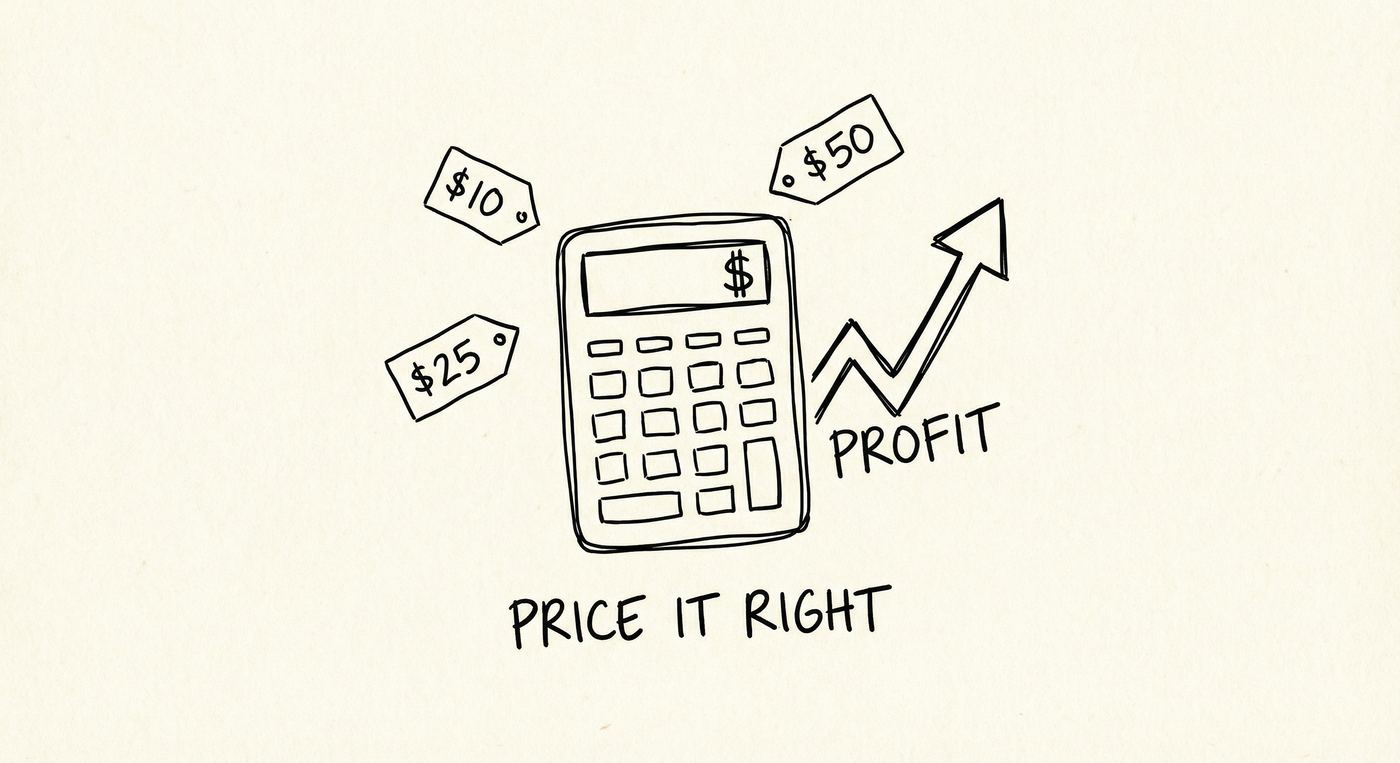
Pricing embroidered products requires a layered cost model: base product cost, embroidery production fee, a customization premium (typically 40–60% markup), and shipping. For example, a hat costing $8 blank plus $4 embroidery retails at $28–35, giving you a healthy margin while staying competitive with other Shopify embroidery stores.
Here's a straightforward framework:
- Base product cost — what you pay for the blank item (polo, hat, towel)
- Embroidery cost — thread, machine time, or POD fee per unit
- Customization premium — the added value of personalization (customers expect to pay more for custom)
- Shipping and handling — custom orders often require special packaging
A typical embroidered hat might cost $8 blank + $4 embroidery = $12. Retail at $28–35, and you're looking at healthy margins. Premium items like embroidered leather goods or cashmere can command much higher markups.
Use add-on pricing for extras. Charging $3–5 for an additional line of text or $5–8 for logo digitizing is standard and expected. A product customizer with add-on pricing handles this automatically — the price updates as the customer adds options.
Setting delivery expectations upfront
Custom embroidery takes longer than shipping a product off a shelf — and your customers need to know that before they buy. A typical timeline looks like this:
- Design confirmation: 1–2 business days (for logo orders that need digitizing review)
- Production: 3–5 business days (in-house) or 5–7 days (POD, including digitizing)
- Shipping: 2–3 business days (domestic standard)
Put this timeline on your product page — not buried in the FAQ, right next to the “Add to cart” button. Customers who understand the timeline upfront are far less likely to send “where's my order” emails three days after purchasing.
Consider offering a rush option for an extra $5–10. Some customers will happily pay to jump the queue, and it's a clean way to add margin on time-sensitive orders (birthdays, weddings, corporate events).
Getting embroidery files right
Embroidery machines require specialized stitch file formats — DST, PES, or EXP — not standard image files like JPG or PNG. Converting artwork into these formats is called digitizing, and it typically costs $15–50 per design through freelance services. For text-only embroidery like monograms, your customizer app handles font-to-stitch conversion automatically.
If you're offering logo embroidery, here's what you need to know:
- Digitizing is the process of converting artwork to stitch data. It's part art, part science. Automated tools exist, but professional digitizing ($15–50 per design) usually produces better results.
- File specs matter. Provide clear guidelines to customers uploading logos: minimum resolution (300 DPI), preferred formats (SVG or high-res PNG), and size requirements.
- Stitch count affects cost. More stitches = more thread = more machine time. A simple monogram might be 3,000 stitches; a detailed logo could be 15,000+. Price accordingly.
For text-only embroidery (monograms, names, dates), this is simpler — your fonts are pre-digitized, and the customizer just applies the customer's text.
What top embroidery stores do that others don't
After working with merchants across the customization space, a few patterns stand out.
They show, not tell
The best stores invest in real-time product previews. When a customer types "Emma" in script font with navy thread on a white towel, they see that exact combination. No guessing, no "it'll look something like this." That confidence drives purchases and reduces returns.
They limit options strategically
Offering 30 thread colors sounds generous. In reality, it overwhelms customers. Top stores curate 8–12 popular colors per product, with the option to request custom colors for bulk orders. Less friction, more sales.
They nail the post-purchase experience
Embroidery orders take longer to fulfill — customers know this. What they don't tolerate is silence. Automated order confirmations that include a visual recap of their customization choices ("Here's what we're making for you") reduce "where's my order" support tickets dramatically.
That's the whole trick. It's not about having the most options or the fanciest product page. It's about removing uncertainty from the buying experience.
Embroidery trends worth watching in 2026
The embroidery space isn't standing still. A few shifts are worth paying attention to, especially if you're planning your product line for the next 12 months.
Sustainable thread materials
Organic cotton thread and biodegradable rayon are showing up in more product lines. Customers — particularly in the baby and wedding niches — are actively seeking eco-friendly options. If you can offer organic thread as an upgrade, that's both a differentiation play and a pricing opportunity.
3D puff embroidery and chenille patches
Raised (puff) embroidery on hats and jackets is having a moment. Chenille patches — the fuzzy, letterman-jacket style — are trending hard with younger buyers. Both command premium pricing and are difficult to replicate with print-on-demand, which means higher margins if you handle production in-house.
Personalization as the baseline
This is the big one. Personalization has moved from “nice to have” to “expected.” Shoppers browsing embroidered products in 2026 assume they can customize. If your store doesn't offer it, they'll find one that does. The bar has shifted — a basic text field isn't enough anymore. Real-time preview, font selection, and color choices are the new minimum.
There is a magic to personalization that encourages customers to buy more, real time preview and virtual try-on are just two examples of you can leverage this. Both methods show shoppers how good they look and make them feel seen by the brand. The worlds biggest brands like Zara, Asos, and even Amazon are leveraging these methods to give their customers a personalized experience.
Common questions about Shopify embroidery stores
Do I need an embroidery machine to sell embroidered products on Shopify?
No. Print-on-demand services like Printful handle production and shipping. You design, they embroider. That said, owning equipment gives you more control and better margins if you're willing to handle fulfillment.
What's the best way to let customers preview embroidery on my products?
Use a Shopify product customizer with live preview capability. The customer enters their text, picks a font and thread color, and sees the result rendered on the actual product image — before they add to cart. This reduces returns and increases conversion rates.
How do I handle the 100-variant limit on Shopify?
A product customizer app bypasses the variant limit entirely. Instead of creating a variant for every font-color-placement combination, the app captures selections as line item properties. Your product stays at a manageable number of variants (sizes, base colors) while offering unlimited customization options.
Can customers upload their own logos for embroidery?
Yes, with the right app. Look for a customizer that supports file uploads with format restrictions (SVG, PNG, PDF) and file size limits. The uploaded file attaches to the order so your fulfillment team can access it directly.
Quick-start checklist
This 7-step checklist covers everything you need to launch a Shopify embroidery customization store: choosing your fulfillment model, setting up products, installing a live preview customizer, configuring options and pricing, testing the order flow, and adding delivery timelines. Bookmark it and work through one step at a time — most merchants complete the full setup within a week.
- Pick your fulfillment model — POD, in-house, or hybrid. Don't overthink it; you can switch later.
- Set up 1–2 embroidered products on Shopify with clear product photos and descriptions.
- Install a product customizer app with live preview — this is the single biggest conversion lever.
- Configure your customization options: text input, font selection (3–5 max), thread colors, and placement.
- Set up add-on pricing for extras (additional lines, premium fonts, rush orders).
- Test the full flow yourself — customize, add to cart, place a test order, verify the data reaches fulfillment.
- Add delivery timeline to your product page and set up order confirmation emails with expected ship dates.
Setting up an embroidery customization store on Shopify doesn't require a custom-built website or a development team. What it does require is the right approach: a clear fulfillment model, a product page that lets customers see what they're buying, and a workflow that gets customization details to the right people without manual copy-pasting.
Start with one or two products. Get the customization flow right — the text input, the preview, the pricing, the fulfillment handoff. Then expand.
Want to see how a product customizer handles embroidery options with live preview? Check out a demo on a real product page.
📚 Related Articles
- 15 Best Product Configurator Examples with Live Preview 2026
- Why Real-Time Product Preview Boosts Customer Confidence
- Building a Custom Jewelry Shopify Store with Podifai
- 7 Ways Personalization Can Increase Your Shopify Store's Average Order Value
How much should I charge for embroidered products?
Use a layered pricing model: base product + embroidery cost + customization premium (40-60% markup). For example, a $8 blank hat + $4 embroidery typically sells for $28-35. Add-on services like rush orders or premium thread can command extra fees.
What thread colors should I offer to customers?
Limit to 8-12 popular colors per product to avoid decision paralysis. Include standard options like black, white, navy, red, and colors that complement your base product. Show color swatches, not just text names, for clarity.
How long does embroidery fulfillment take?
Expect 3-5 business days for in-house production or 5-7 days for POD services like Printful. Logo orders requiring digitization add 1-2 extra days. Always communicate these timelines on your product pages to set proper customer expectations.
Frequently Asked Questions
How much does it cost to start an embroidery customization store?
Shopify Basic ($39/month) + embroidery machine ($500-3,000 for entry level) + a customizer app ($0-30/month) + initial thread supplies ($200-400). Total: $750-3,500 to launch. Start with a single-head machine and upgrade as orders grow.
What embroidery machines work best for Shopify store orders?
For beginners: Brother PE535 ($350) or SE1900 ($650). For growing businesses: Brother PR1050X ($5,500) or Janome MB-7. Multi-needle machines are essential once you exceed 10+ orders/day to handle color changes efficiently.
How do I show embroidery preview on my Shopify product page?
Use a product customizer app with text preview — let customers type their text, choose thread colors and fonts, and see a realistic embroidery mockup. Podifai's live preview can simulate embroidery styles with proper font and color rendering.
What products sell best with embroidery customization?
Caps and hats (highest margin), polo shirts, baby items (bibs, onesies), tote bags, towels, and corporate workwear. Gift items with names/monograms see peak demand during holidays. Average embroidery premium: $8-20 per item.
How long does embroidery customization production take?
Simple text embroidery: 10-15 minutes per item. Complex logos: 20-45 minutes. Plan for 2-3 business day turnaround for standard orders. Set clear expectations on your product page — most customers accept 3-5 business days for custom embroidery.